How to Plan a Week of LinkedIn Posts in One Sitting (Without Staring at a Blank Page)
Batching beats grinding. Here is the 30-minute weekly sprint that turns five posts from a daily anxiety into a Sunday-afternoon task — five pillars, five stories, hooks first.
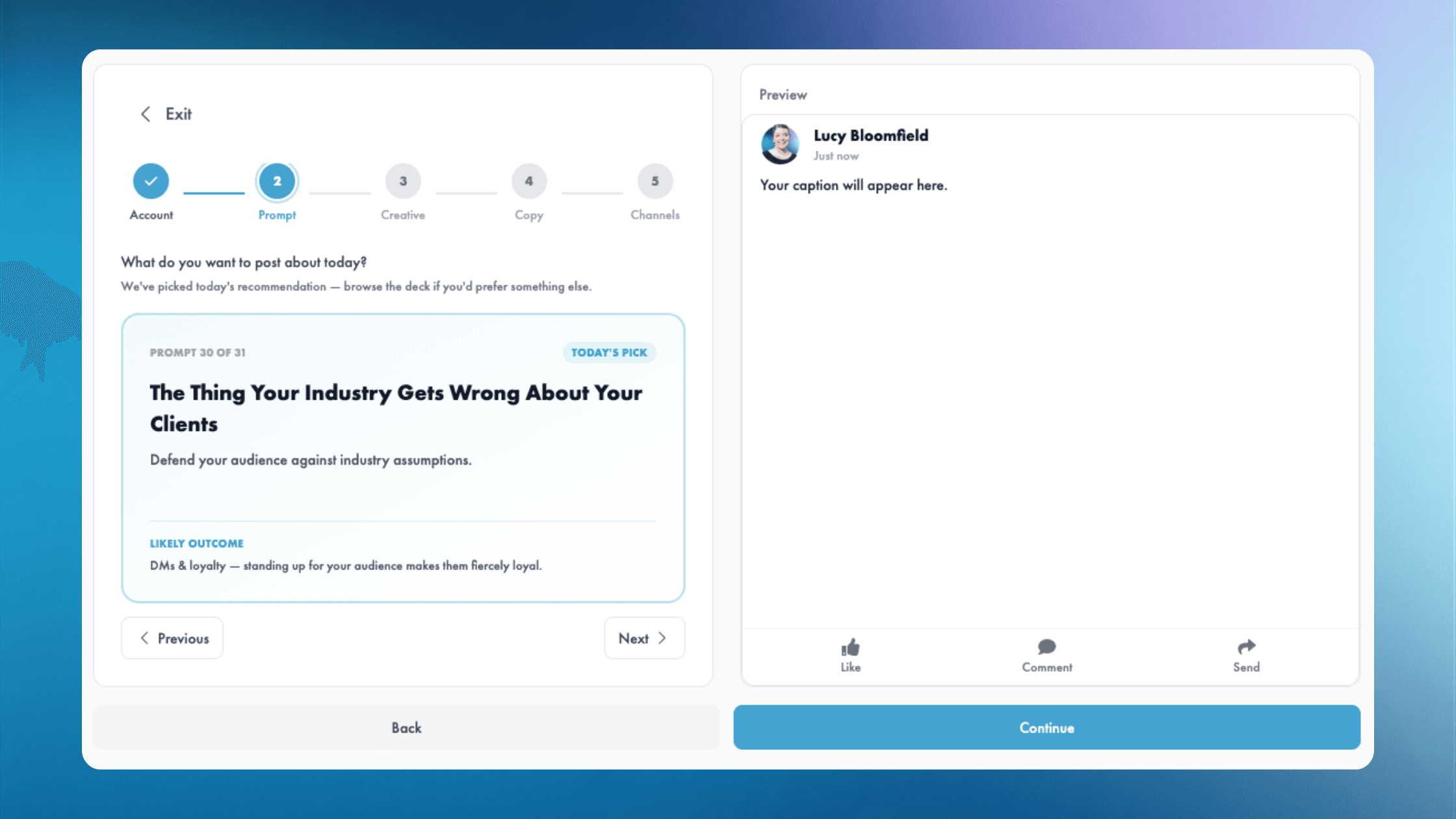
Most people plan their LinkedIn content one post at a time. They sit down on a Tuesday at 4:47 pm, panic-write something, hit publish, and feel a little worse than they did before.
The alternative is batching — sitting down once, drafting a week's worth of posts in 30 to 60 minutes, then opening LinkedIn the rest of the week only to edit and ship.
Here is how to actually do it without staring at a blank page for an hour.
Why batching beats grinding
Three reasons one sitting beats five:
- Context. When you draft five posts in one session, they build on each other. Themes thread through the week. Your audience sees a consistent voice, not whiplash.
- Speed. Each post takes a quarter of the time when you're not re-warming up. The writing muscle doesn't go cold between drafts.
- Sanity. Posting becomes a 30-minute weekly task, not a daily background anxiety.
The catch: most people try to batch and stall on post one because they have no plan. Here is the plan.
The 30-minute weekly content sprint
Step 1: Define five pillars before you start (one-time setup)
You need a small set of post types your audience expects from you. Five works. More gets unwieldy. Examples:
- Point of view — a take only you can give
- Story — something that happened to you this week
- How-to — a concrete tactic or framework
- Behind-the-scenes — what's actually going on at work
- Ask — an open question for your audience
Pick your five. Write them on a sticky note. Done.
Step 2: Open a single doc and dump five stories from the week
Set a timer for five minutes. Brain-dump everything you noticed, learned, or argued about this week. One line each. Don't filter.
You'll usually get 10 to 15 lines. That's fine. You only need five to survive.
Step 3: Match stories to pillars
Look at your sticky note. Look at your dump. Match. The "I had a conversation with a customer about X" line might fit the story pillar. "We shipped a feature that does X" is behind-the-scenes. "I think most people get X wrong" is point of view.
This is the two-minute step that saves the most pain. By the end you have five lines, each labelled with what kind of post it is.
Step 4: Write the hooks first (not the full posts)
Spend ten minutes writing the opening line for each of the five posts. Just the hook. Not the body, not the CTA.
Why? Because the hook is the part you'd otherwise stall on for 20 minutes. Get them out of the way while your brain is warm.
Hook formulas that consistently work on LinkedIn:
- The unexpected stat: "Most teams underestimate this by 40%."
- The personal cost: "I spent three years getting this wrong."
- The contrarian opinion: "Everyone says X. Here is why I disagree."
- The reveal: "This is the email that landed our biggest customer."
- The question: "Why does no one in [industry] talk about this?"
Step 5: Fill out the bodies
Now the easy part. With a story and a hook, the body is mostly transcription. Aim for four to seven short paragraphs. End with a single CTA — comment, share, DM, click.
Set a four-minute timer per post. If you're not done in four, ship it anyway. Done is better than perfect.
Step 6: Image + schedule
For each post, pull an image from your content library (you have one, right? — if not, here is how to build one) and slot it in. Schedule across the week. Close the tab.
Total time: 30 to 45 minutes for five posts. Less if you've done it a few times.
The mistakes that turn a 30-minute sprint into a 3-hour stress fest
- Writing perfect posts. Don't. Ship adequate drafts. Edit pass takes two minutes. Perfectionism takes two hours.
- Leaving images for later. You won't. Slot them while you draft.
- Trying to draft when you have no stories. Five-minute brain dump first. Skip it and you'll stall on every post.
- Switching tools mid-sprint. One doc, one timer, one cup of coffee. Don't context-switch.
The shortcut: let your tool draft the week for you
If "30 minutes a week" still sounds like more than you have, the next move is to let software draft the bones and you do the editing.
That is exactly what Magic Marketer App's Monday Drafts does. Every Monday morning you open your inbox to a week of drafts written in your voice, attached to images from your library, ready to review and ship. You're no longer planning — you're editing. The 30-minute sprint becomes a 10-minute review.
Get started
Try the sprint above this Sunday or Monday morning. Five pillars, five stories, 30 minutes. You'll be three days ahead by Wednesday.
Or skip the planning entirely — start your free trial of Magic Marketer App and let Monday drafts arrive in your inbox.

Ready to show up consistently?
Daily content for every person on your team — without the blank screen.










Pay monthly. Custom invoicing available for large teams.

About the author
Hello, I'm Lucy Bloomfield — Founder of Magic Marketer
I built Magic Marketer for experts who have something to say but don't want to stare at a blank screen. You've got the experience and the stories; you just need one clear idea a day and a simple way to show up.
My mission is to help 100,000 professionals build visibility and credibility — without turning content into a second job. One decision. Daily results.